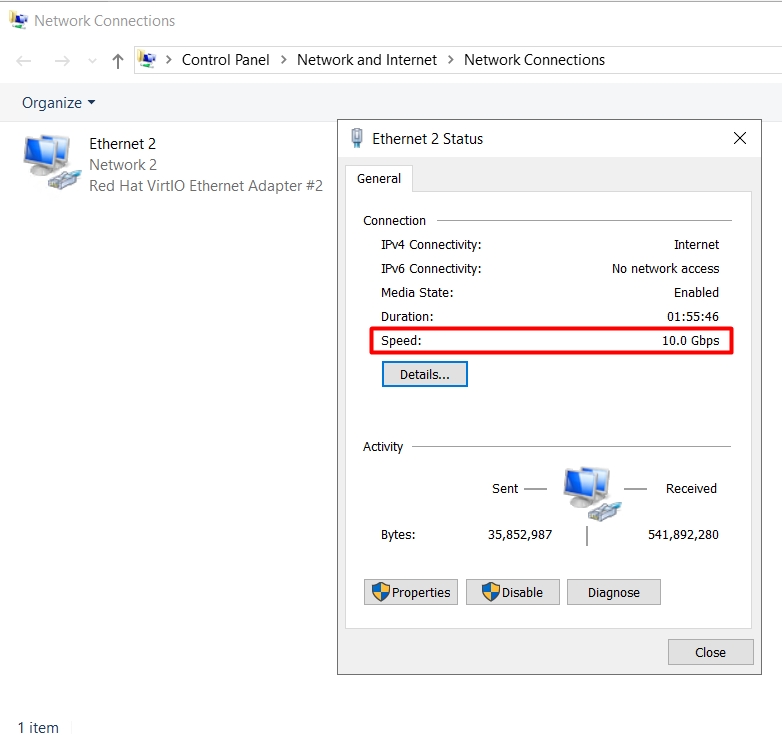
Verify VPS RAM, Disk Space, and Network Connectivity
Verify VPS RAM
- Log in to your VPS.
- Go to the file manager.
- Right-click on “This PC” and go to properties.
- The installed memory is clearly visible:
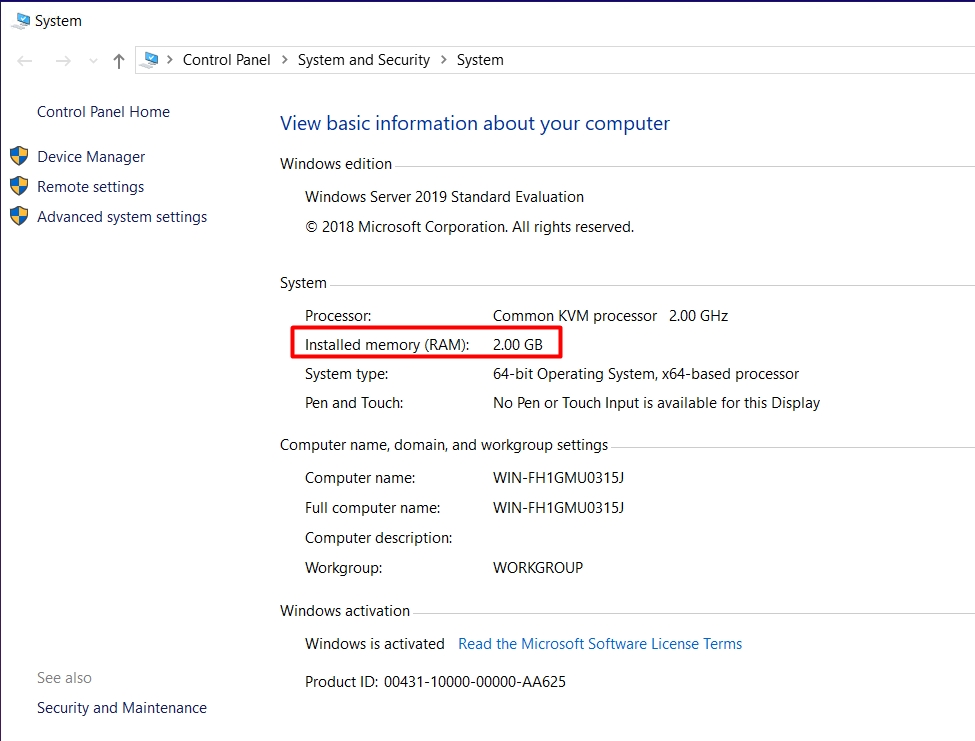
You can also check the windows version installed on your VPS.
Verify the disk space
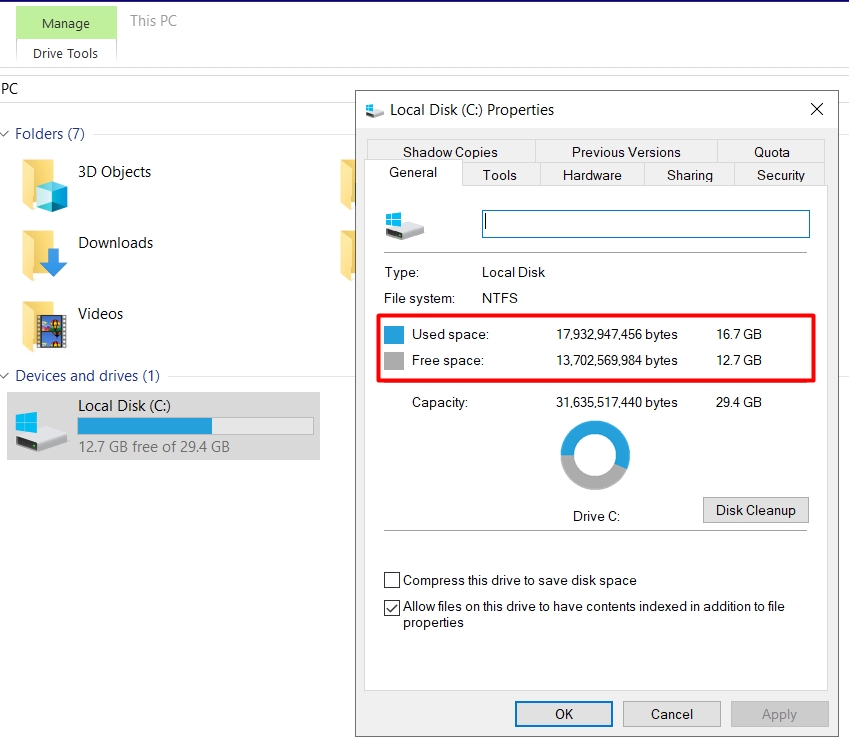
- Go to the file manager > check C Drive:
Network connectivity
- Right-click on the network icon > open Network and Sharing Center> click on Ethernet: