To enable Remote Desktop Services to permit the connection of a microphone/or camera, carry out the following steps:
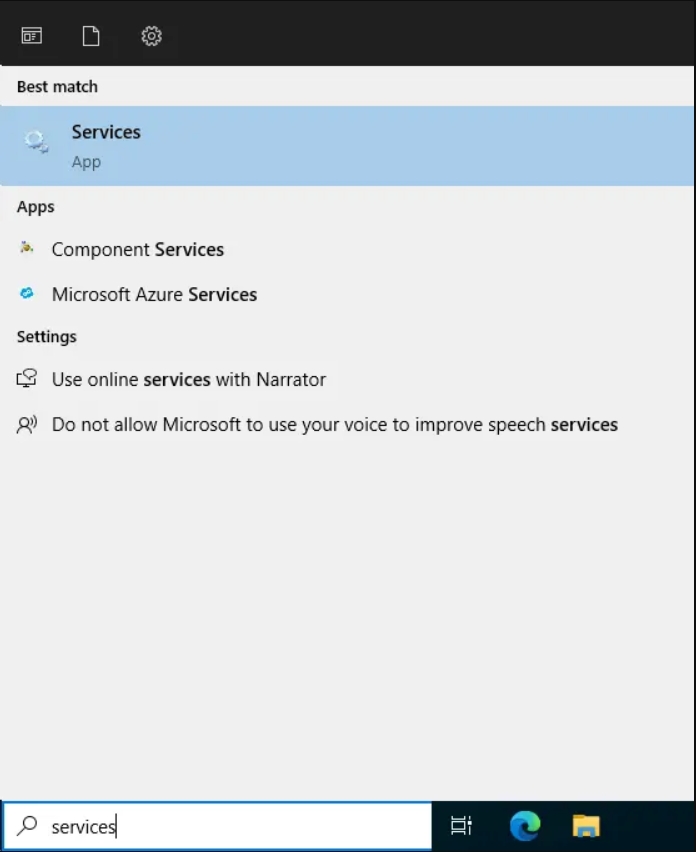
- In the Start menu, search for “Services”
- In the Services window, scroll down to the Windows Audio > Right click > Start. You can see the volume icon turned on, and you are able to hear the sound.
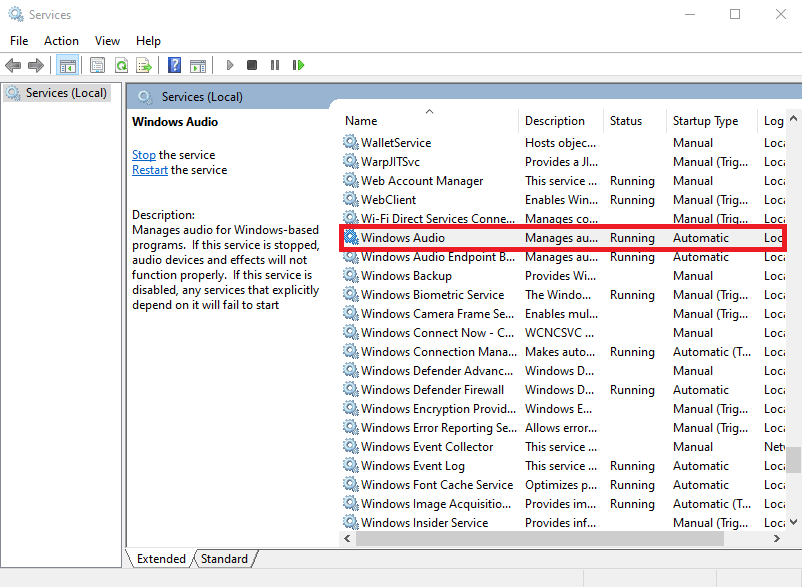
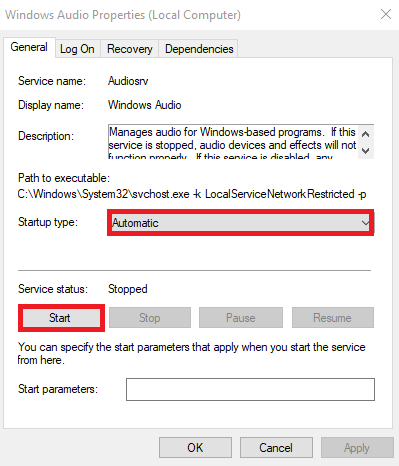
- In the Services window, scroll down to the Windows Audio service. Right-click on this and go to “Properties”.
- Change the “Startup Type” to “Automatic (Delayed Start)” and then click OK.
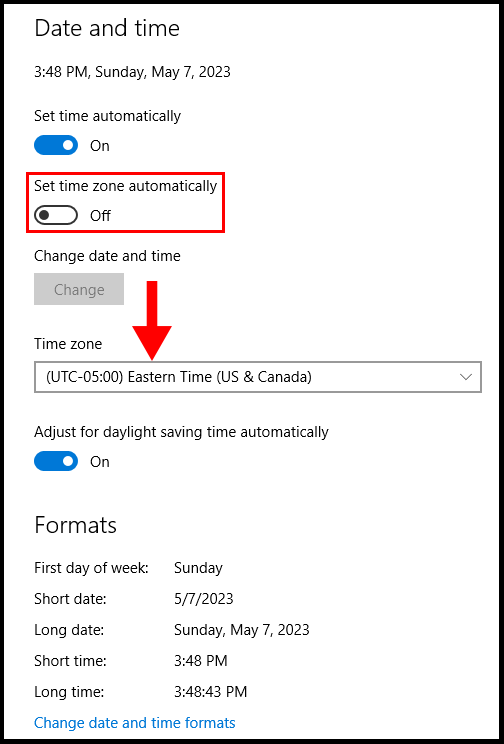
Change Time Zone
- Click on Time on the down-right corner.
- Click on ‘’Change date & time setting”
- Go to “Change time zone”, drop down the list of time zones, and select your preferred time zone.